KoolReport's Forum
Official Support Area, Q&As, Discussions, Suggestions and Bug reports.
Forum's Guidelines
PhantomJs Export column width #3474
I think there are 3 possible solutions:
- Set fixed table layout style together with column width:
<style>
  table {
    table-layout: fixed;
    width: 100%;
  }
- Use auto table layout with column min-width:
<style>
    table { table-layout: auto; }
    .col1 { min-width: 100px; }
    .col2 { min-width: 200px; }
- Use <colgroup> tag:
<table style="width: 100%;">
  <colgroup>
    <col style="width: 100px;">
    <col style="width: 50%;">
    <col>
  </colgroup>
The current DataTables version has not supported adding <colgroup> yet, you might have to use an "onReady" event listener javascript function to insert it into your DataTables.
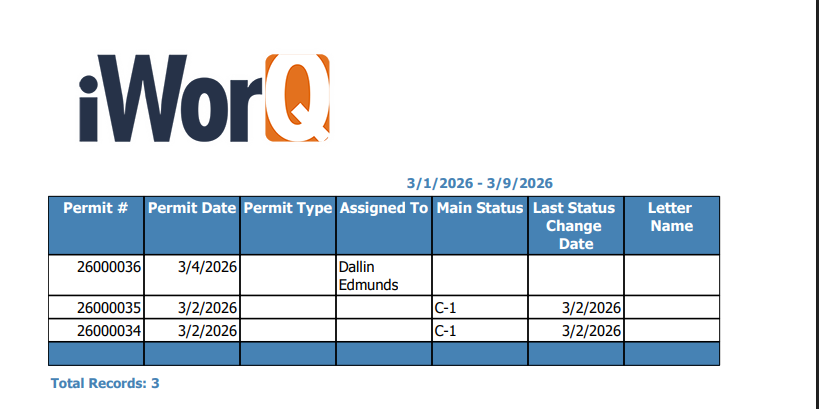
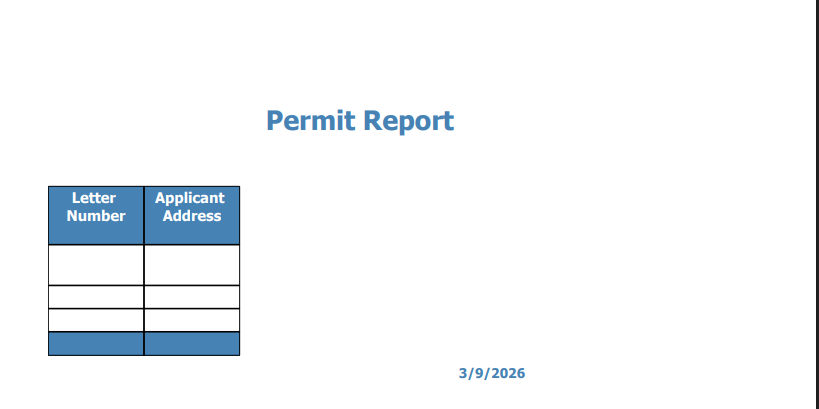
One last question, do you guys have anyway of wrapping the tables to the next page if the columns are too big or too many? meaning if they are about to be cut off they just go to the next page?
our old system does that and we are trying to match it as close as we can.
Build Your Excellent Data Report
Let KoolReport help you to make great reports. It's free & open-source released under MIT license.
Download KoolReport View demo